[Devlog June '22] Score and Swaying Bushes!
Hi there 👋
Today I give you a short update of what I have been doing in the last two weeks. I didn't manage to work on the game that much as in the month before, because Summer has arrived, finally 😎.

Nevertheless, I found some smaller topics that I was able to improve!
Score
After I finished the Jam version of my game, I got feedback to add a score.

It's a reasonable request and it adds motivation to improve your skill and it adds replay value, too. Later, I can add an online score and introduce a star rating on top of it, like in Overcooked.

How to Calculate?
I decided to design the score calculation similar to how Overcooked does it. Every order has a time limit. The faster you can deliver, the more points you get.
Score = (time remaining / time limit) * 100
The most points one can get is 100, which equals to an immediate delivery.
This formula is quite easy, but it might have a drawback: Each order is valued equally. If I introduce orders which are more difficult to fulfil than others, it's not balanced anymore. I might add a factor to it, which I can easily add to the resource that defines an order (have a look at my article explaining this practice in Godot).
Where to show the Score?
With the last update I introduced the inventory. I render it on the right side of the screen, because I may add a hotbar to the bottom. The hotbar will be introduced, as soon as the inventory gets too crowded with lots of different items the player can use (let's be honest, this will happen in the next months 😅).
Therefore, the only reasonable place, at least to me, is in the bottom left corner. Actually Overcooked put it there as well 😅.
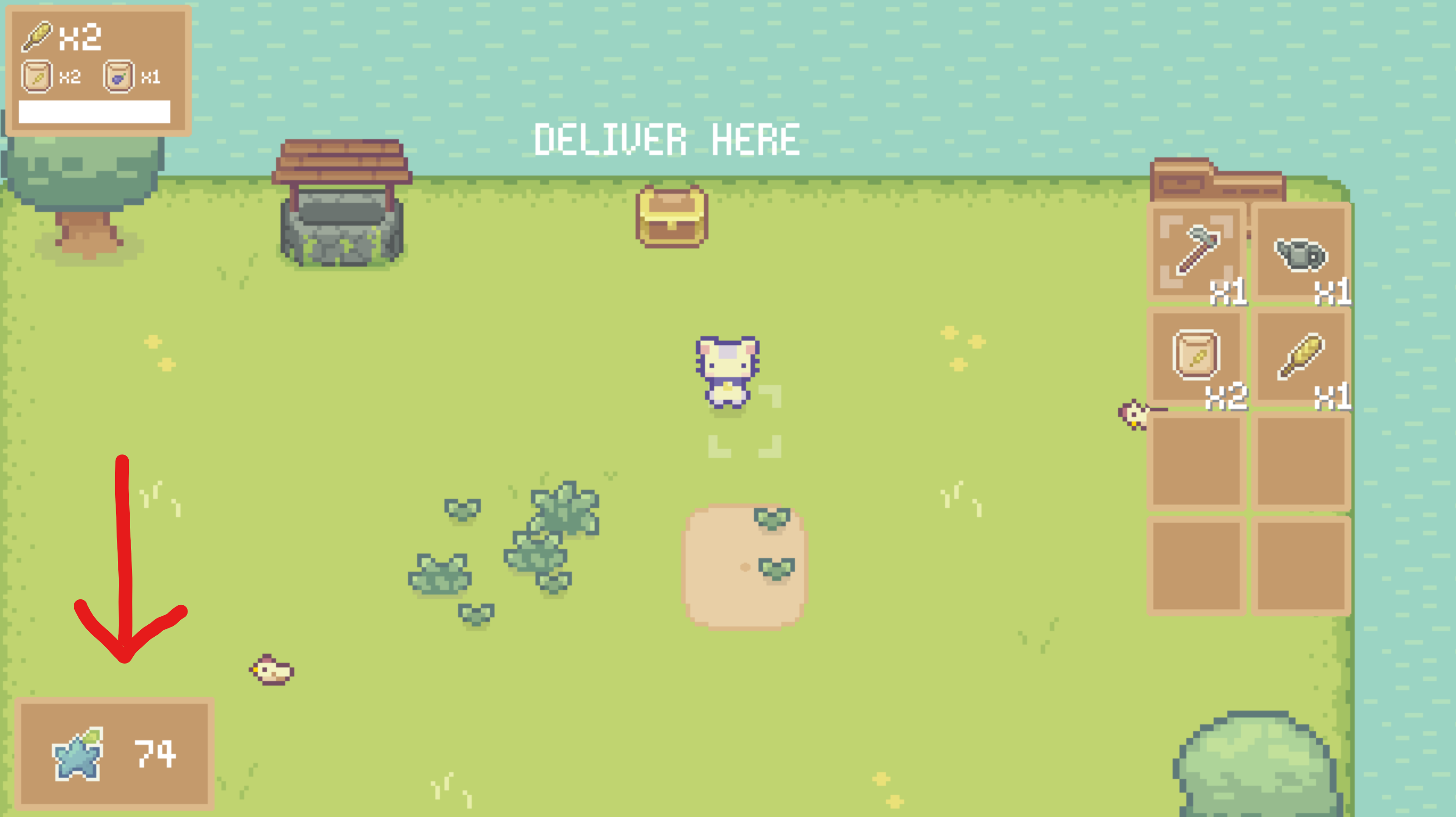
It's nothing special. Just a simple panel with a nice star icon that indicates that you earned something valuable and the amount of it beside. Done, next!

Swaying Bushes!
In the last weeks I was thinking about what to add to my game that makes it a little bit more special. What parts of the game do I want to highlight so that it stands out from all other similar games.
I figured it should be the interaction with the environment, the nature 🌳, the plants 🌻 and the animals 🐄 I'd like to introduce in the next months!
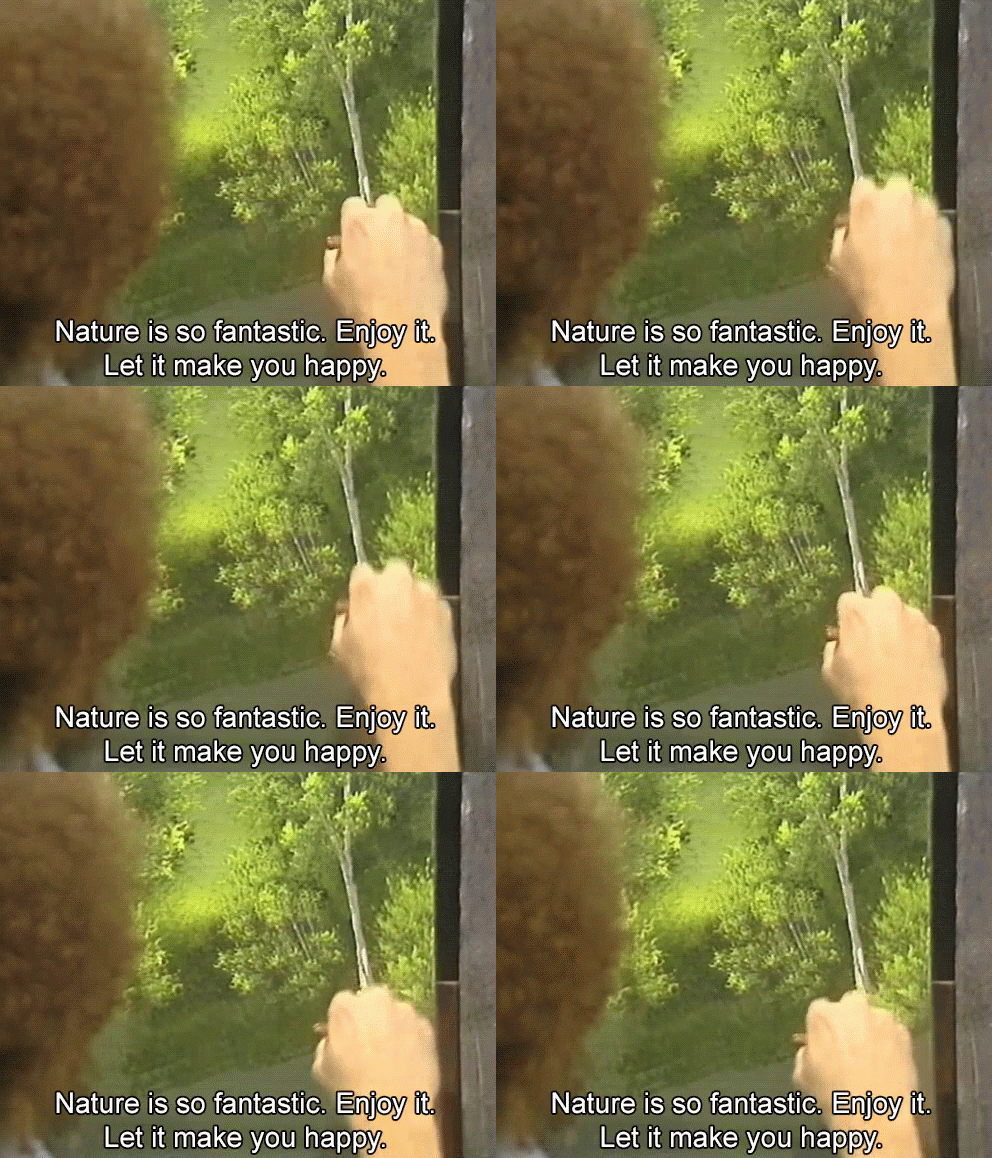
This goal is quite big, so I plan to achieve in the long run. In the last week, I decided to make the first few steps towards achieving it.
In addition, embracing the nature leads to more fun gameplay. Imagine you need to keep birds from stealing your seeds you have just planted. Of course, in a nature friendly way 🤫.
Missing Interaction with the Environment
The first thing I noticed: It felt like the farmer cat is hovering over the ground as there is no interaction with the environment at all. If the cat walks past a bush or a weed, nothing happens. This breaks the immersion, because there is no connection between the cat to the environment!
Therefore I implemented a shader that makes the bush or weed swaying, as soon as the player walks past it. Furthermore, I added some little leaves that fell from the bush, using Godots' particle system.
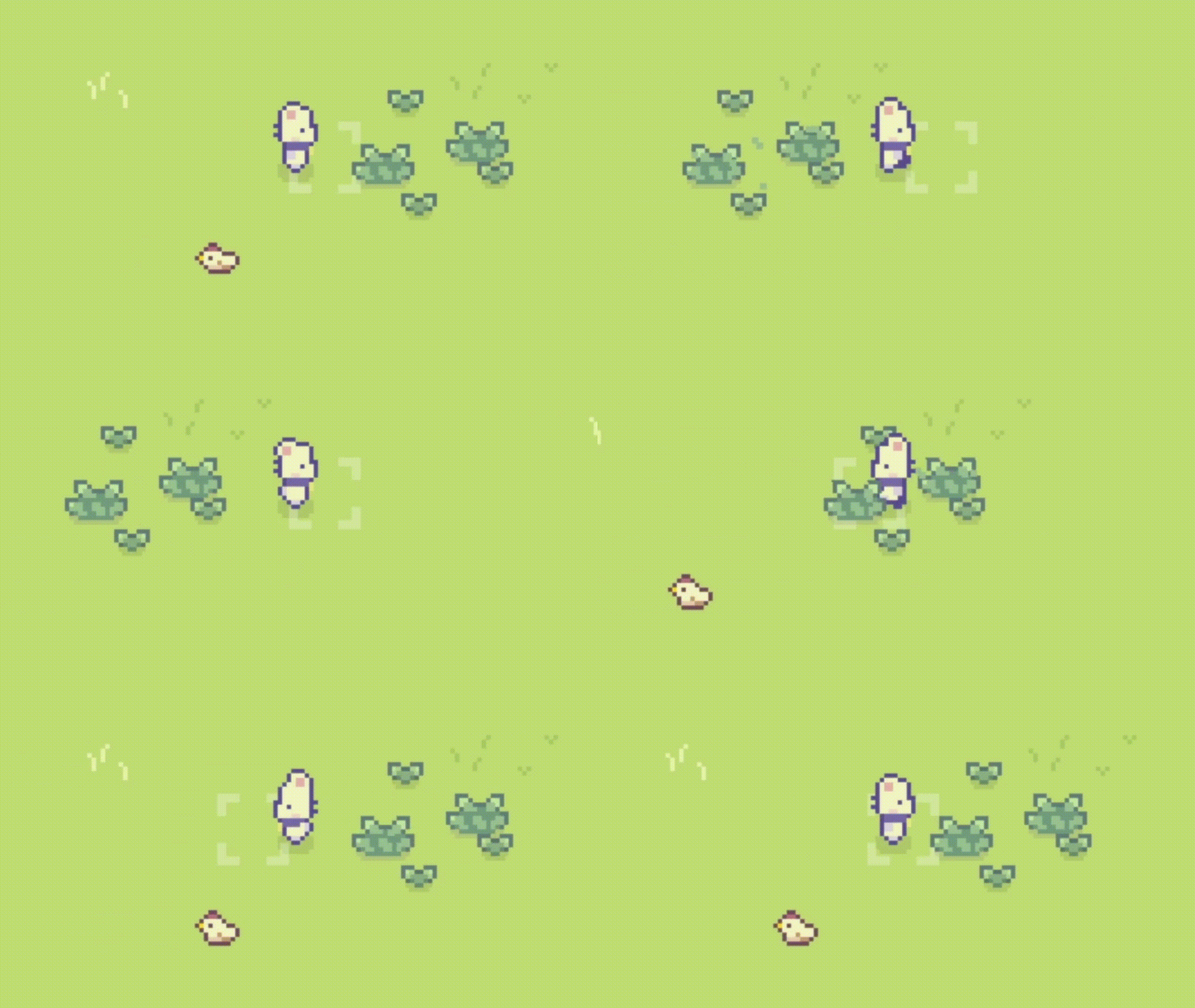
Feels much better...

In order to reduce the impression of hovering entities, I added small shadows to each plant and below the cat. These are small steps but they are quick wins with lots of value 😄.
Selected Item Indicator
It's the last detail I want to talk about today. I thought, occasionally the player hides the inventory, as it blocks some space of the view. Then I need some indicator to render the item the player selected and it needs to be in sight of where the player has her or his eyes on: The Cat.
In the beginning I thought about the approach of Stardew Valleys' character: For most of the items, the character carries the selected item above his head. This works well for things like a bag of seeds or a cup of coffee...

Unfortunately, I don't have sprites for this kind of motion of the cat. Certainly, I can start Aseprite and get started, but I decided to go for another quick win first, as I think I need a couple of days to get it done nicely.
Therefore, I decided to use a simple indicator above the head of the cat, that shows for a short time the just selected item.

The selected Item fades away nicely 🧐. I think that's decent for now. In a future iteration, I want to show the item in the paws of the cat to improve the immersion.
What's next?
As the summer has arrived, I think I will spend much more time outside. It's definitely necessary and healthy to get out of the gamedev office and enjoy the sun.
Nevertheless, I plan to do more updates regarding immersion. I want to get the feel of running through and interacting with the environment as much fun and satisfying as possible. These updates can be rather small and doable in shorter game development sessions and therefore are more compatible with my current daily life.
In the next weeks I keep you in the loop (follow my Twitter Account) with short articles and some gameplay to enjoy, as soon as I finished another step towards my goal for this summer.
Thank you.
If you took your time to read everything I honestly thank you. I sincerely hope you enjoyed reading this article 🙂.
Get noticed when I publish new Articles.
If you are interested in either following my Game My Happy Weedy Farm or in game development in general, I kindly ask you to subscribe to this blog. You will get an E-Mail after a new blog article has been published. No Spam, I promise 🙂.
Have a wonderful day! Cheers,
